Mber+
 Open menu
 Close menu
1. Open Mber+
Visit sydneyfc.mberplus.com.au. For your first login, select Create password. If you have forgotten your password, select Reset it now
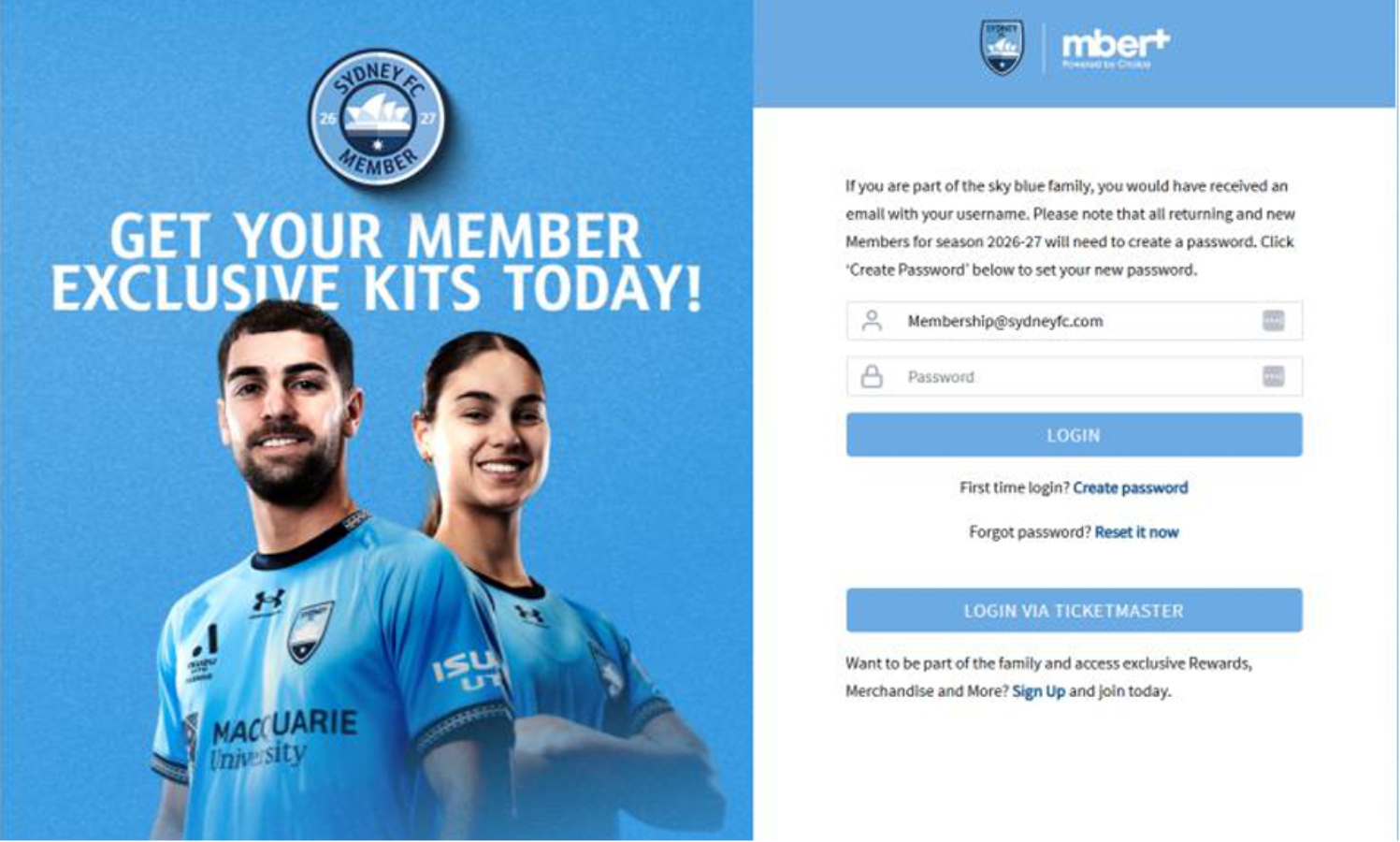
2. Request a password link
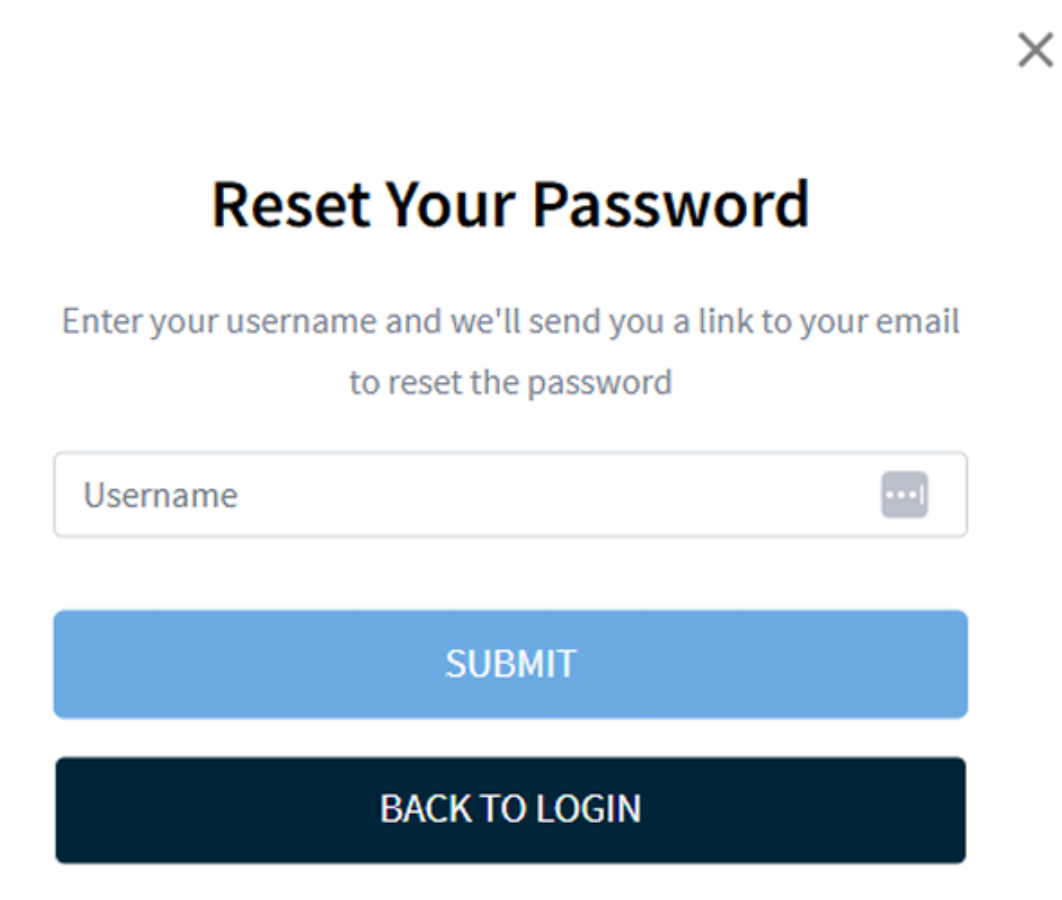
Enter the username supplied in your Mber+ email (the email linked to your Membership in this example), then select SUBMIT.
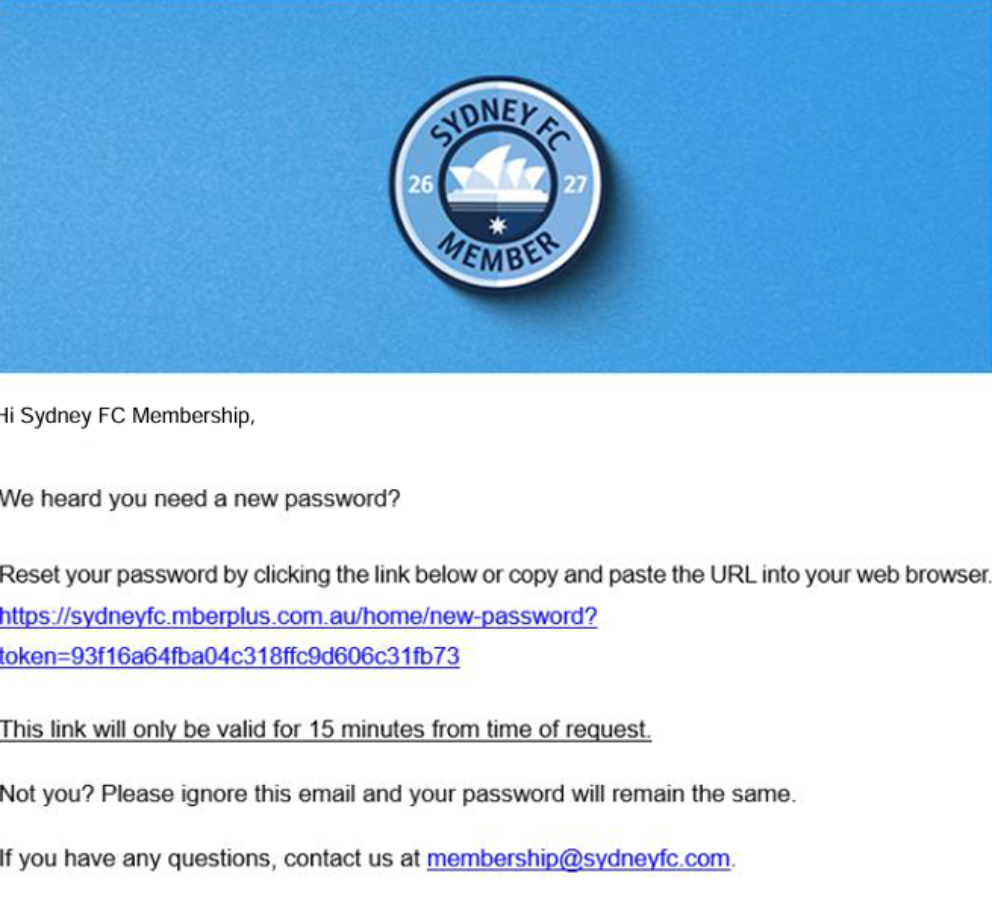
3. Open the password email
Check the email inbox linked to your Membership. Open the Sydney FC password email and click the reset link within 15 minutes. Check your junk folder if needed.
4. Create your password
Enter a password with at least 8 characters, a number and a special character, as shown on screen. Select SUBMIT.
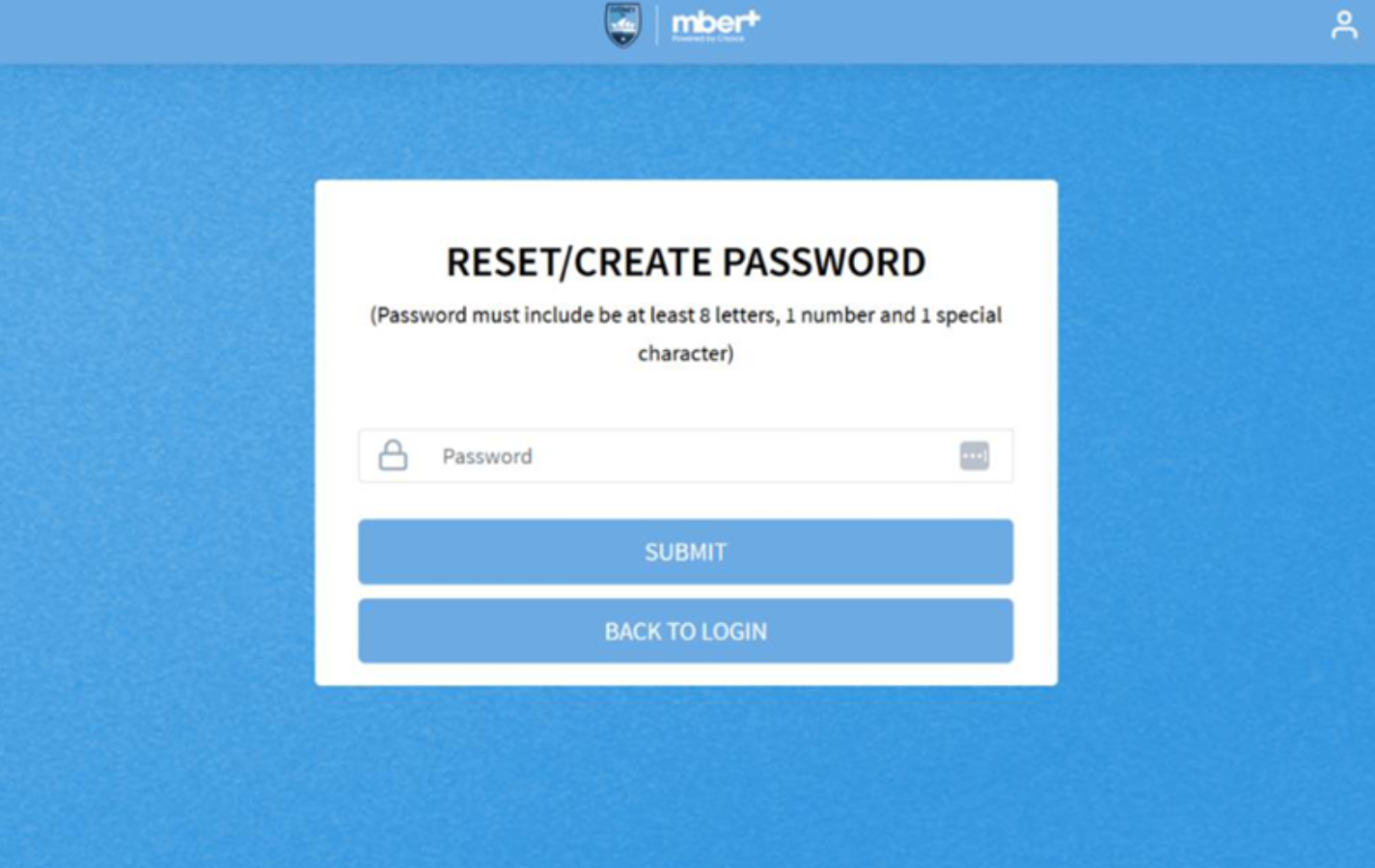
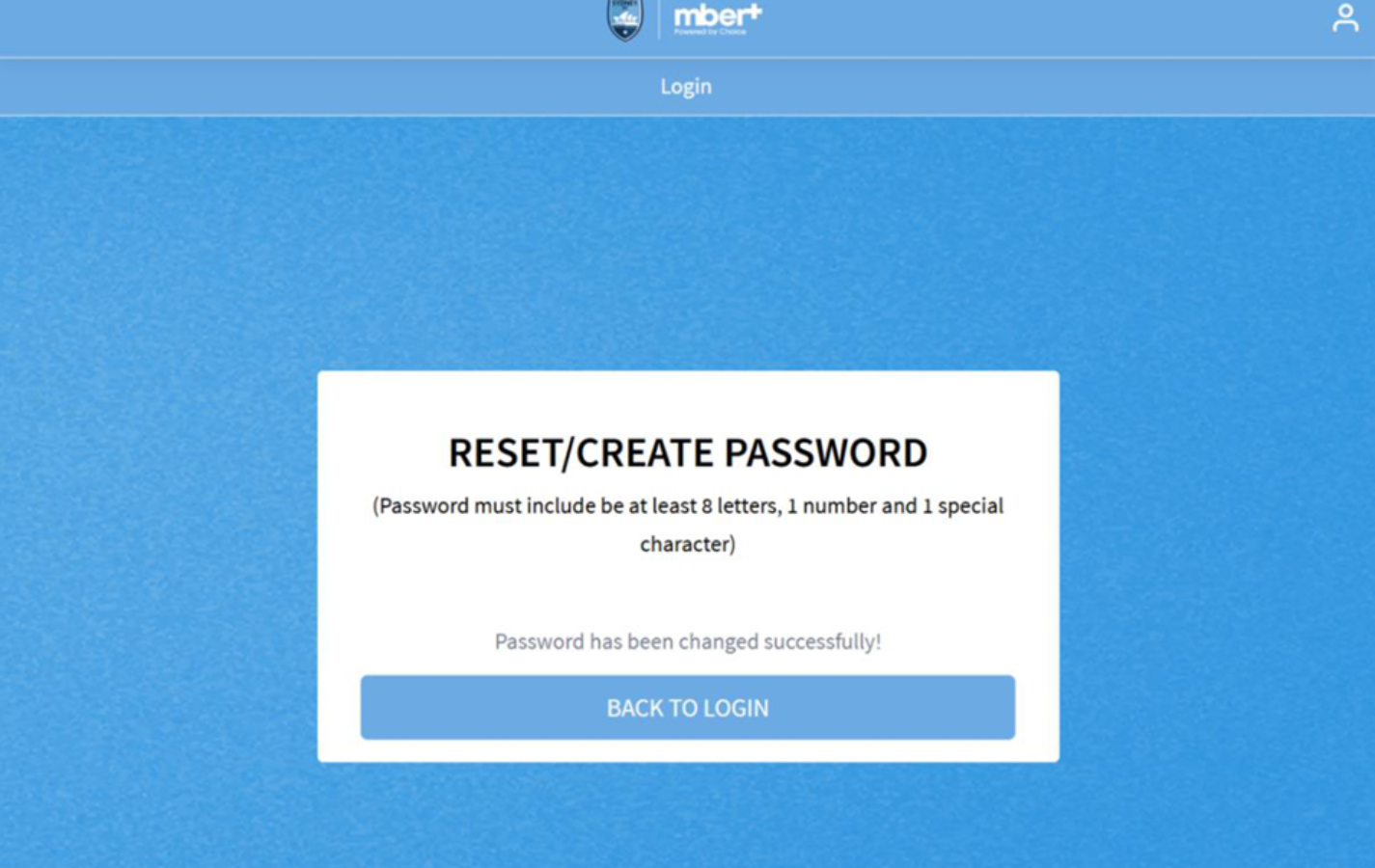
5. Return to login
When Password has been changed successfully! appears, select BACK TO LOGIN. Enter your username and new password, then select LOGIN.
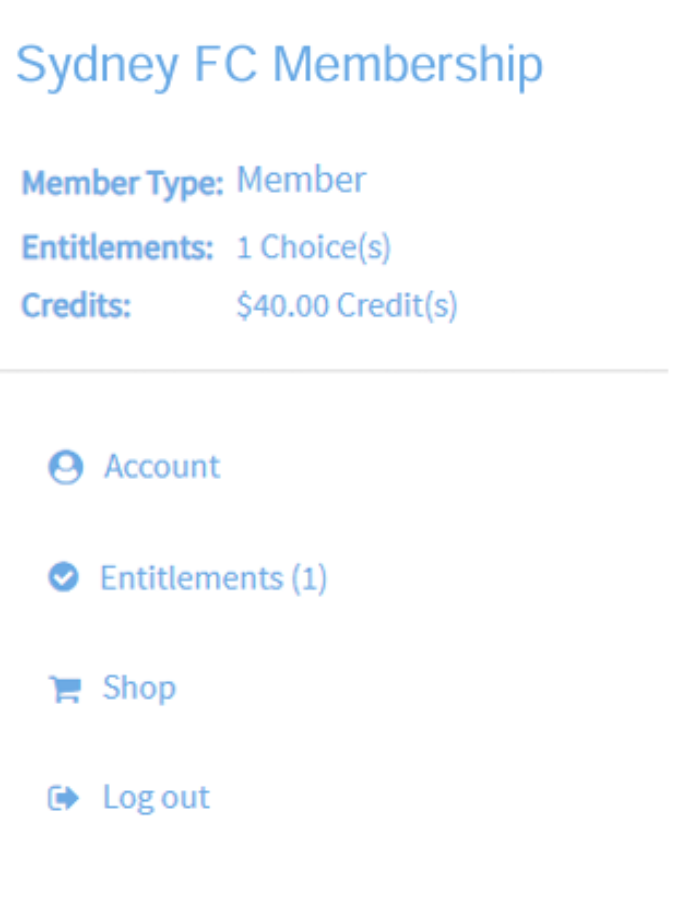
6. Check your account and credit
Your account menu shows your Membership type, remaining entitlement choices and available credit. Select Account to check your details or Entitlements to choose your included items. Values shown are examples.
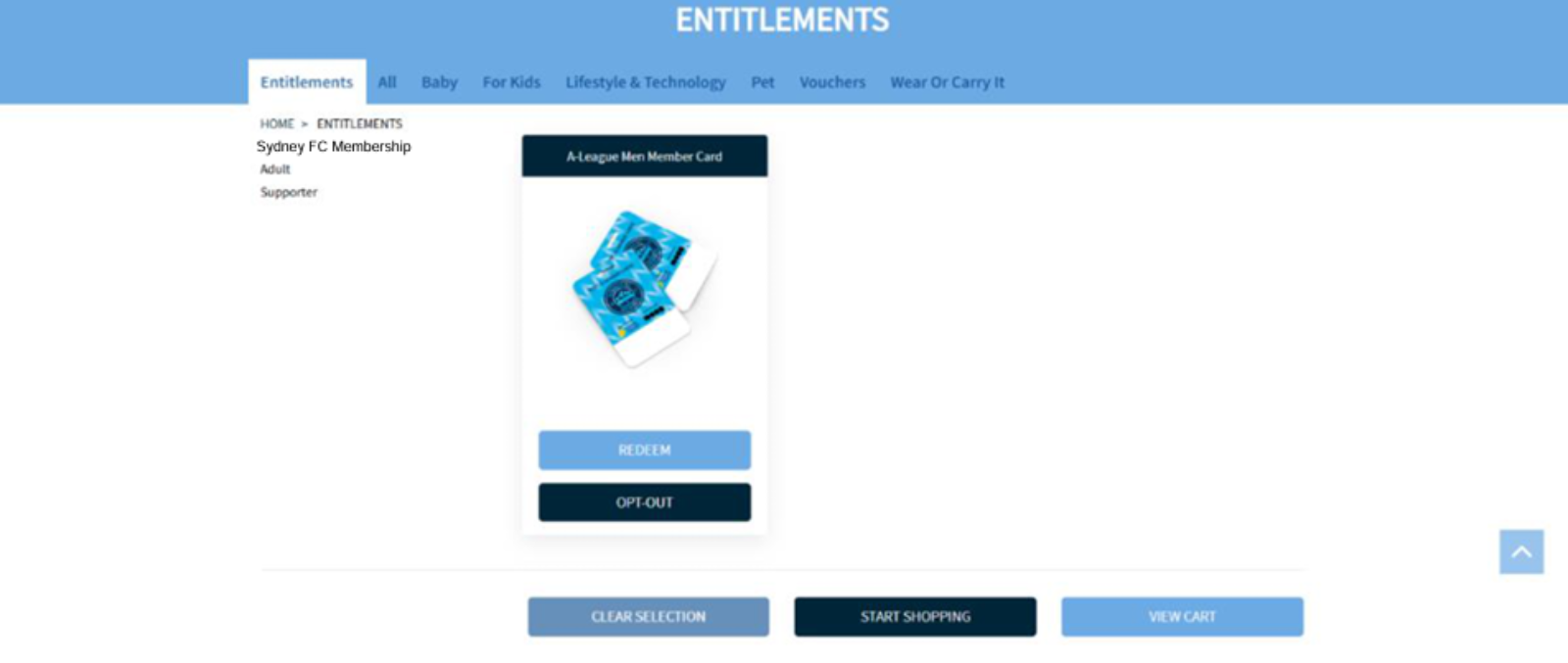
7. Choose your entitlements
Select REDEEM for an item you want, or OPT-OUT if you do not want it. Follow any confirmation prompts. Review the choices for each Member shown before selecting START SHOPPING.
8. Confirm your selection
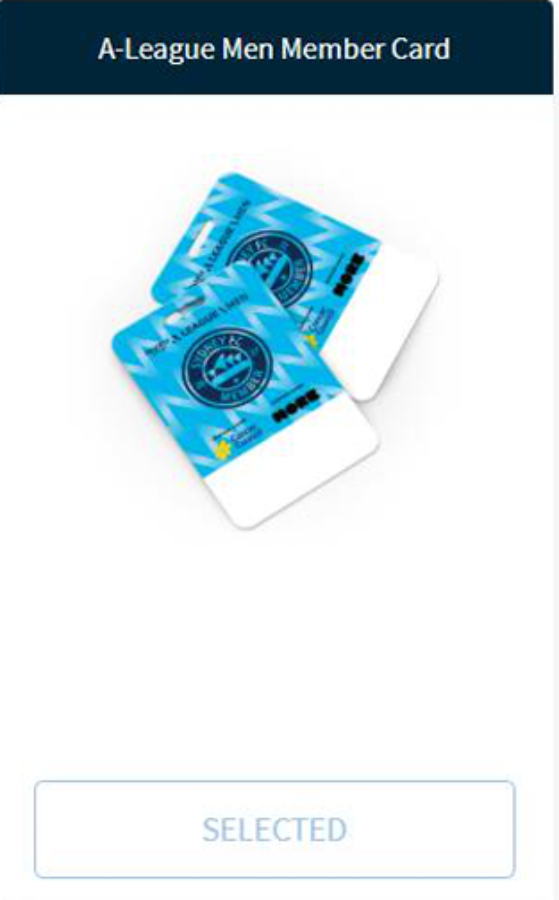
A redeemed item displays SELECTED, as shown below. Check that you have chosen the correct entitlements before continuing.
9. Shop for additional items
Select START SHOPPING to browse the shop. Open an item to check its details and any available options, then select ADD TO CART. Prices shown are examples.

10. Review your cart
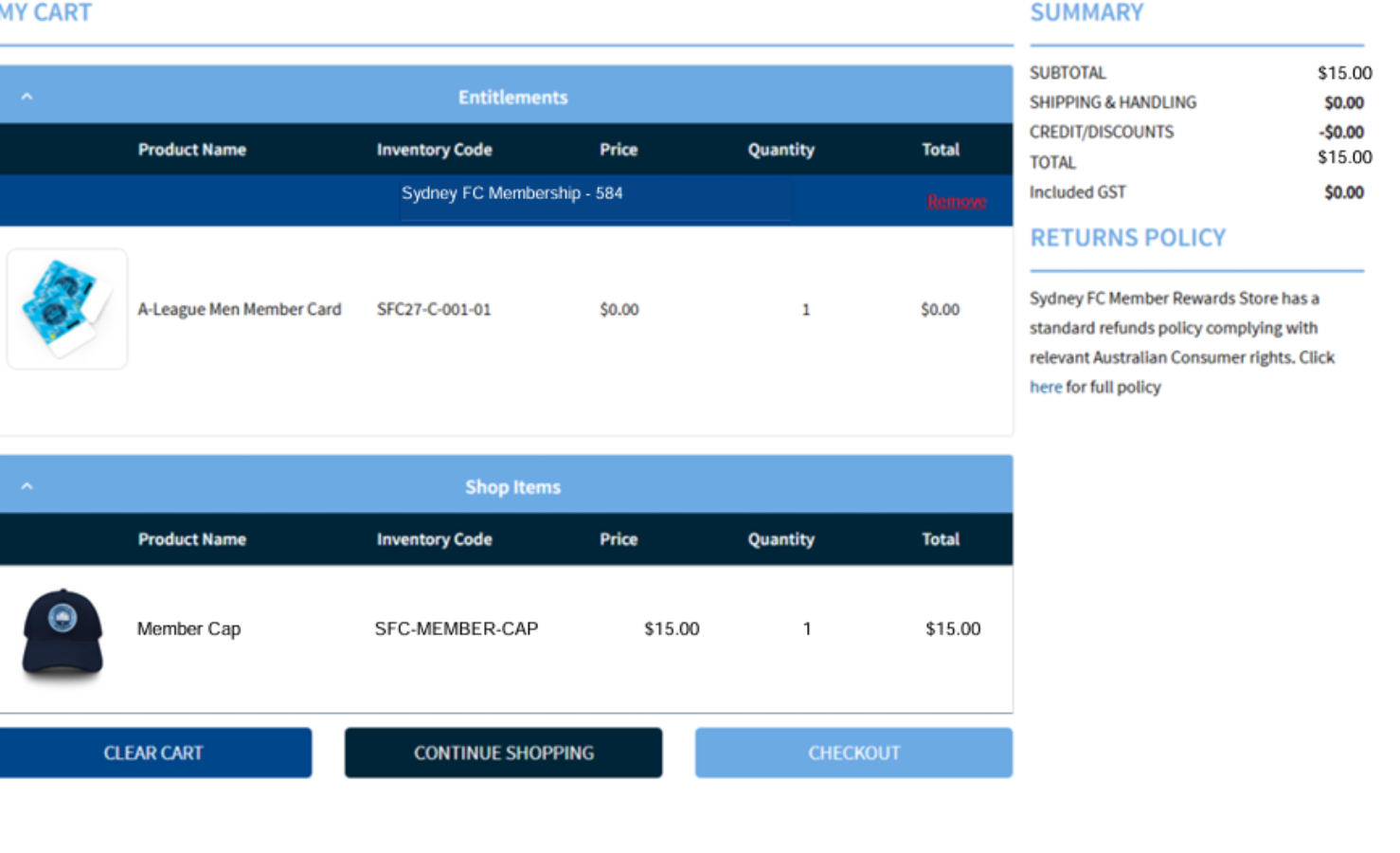
Select VIEW CART or the cart icon. In this example, the Membership card is a free entitlement ($0.00) and the Member Cap costs $15.00. Check your items and quantities, then select CHECKOUT. Shipping and credit are confirmed at checkout.
11. Confirm delivery details
At checkout, check your contact and delivery details, choose an available shipping option and complete any required agreements. Continue to Credit & Discounts.
12. Check credit and complete your order
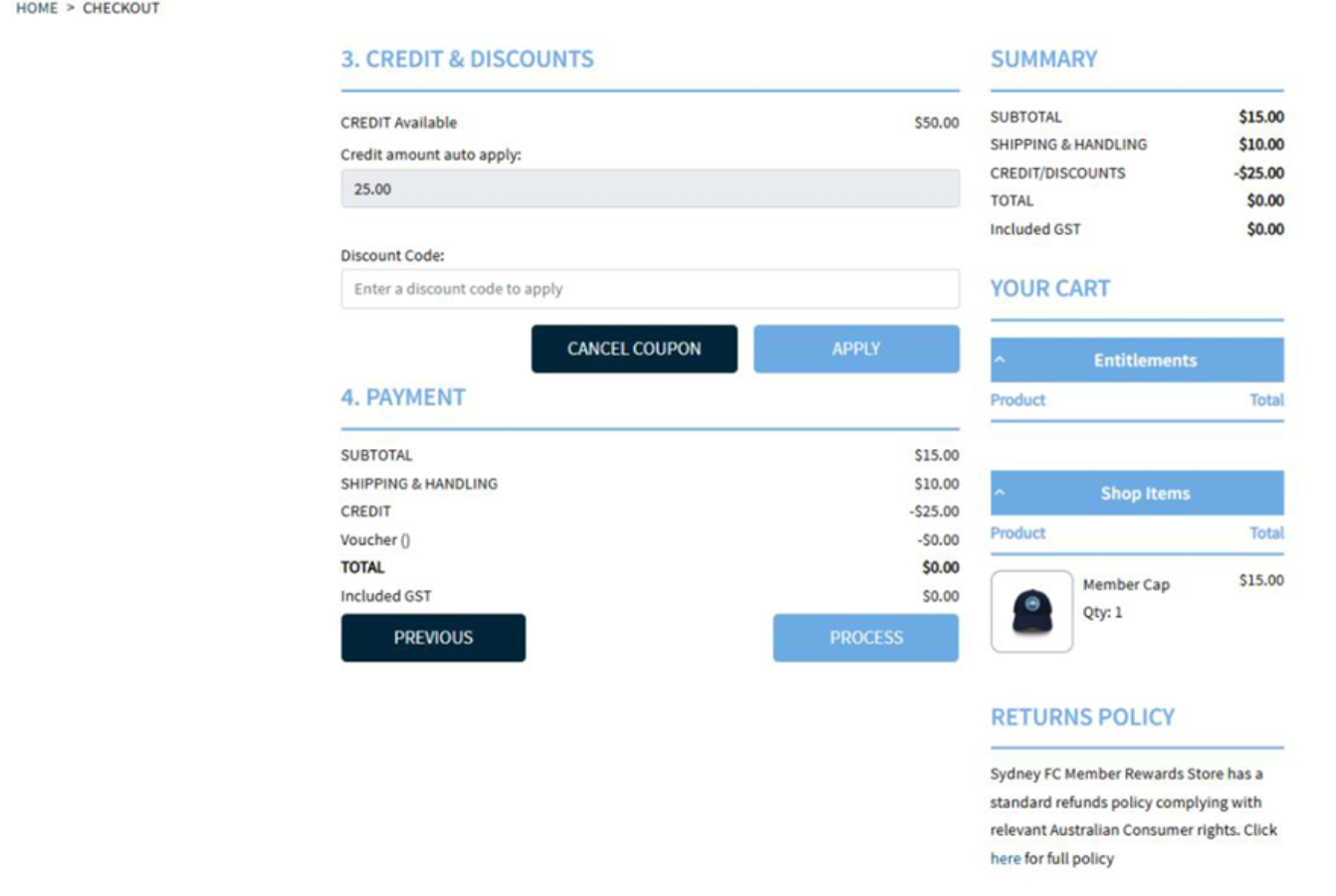
Check the credit automatically applied. Here, the free card ($0.00), cap ($15.00) and shipping ($10.00) total $25.00. The $25.00 credit deduction leaves $0.00 to pay and $25.00 of the example $50.00 credit remaining. Select PROCESS to complete the order. If a balance remains on your order, enter your payment details first.
13. Check your confirmation
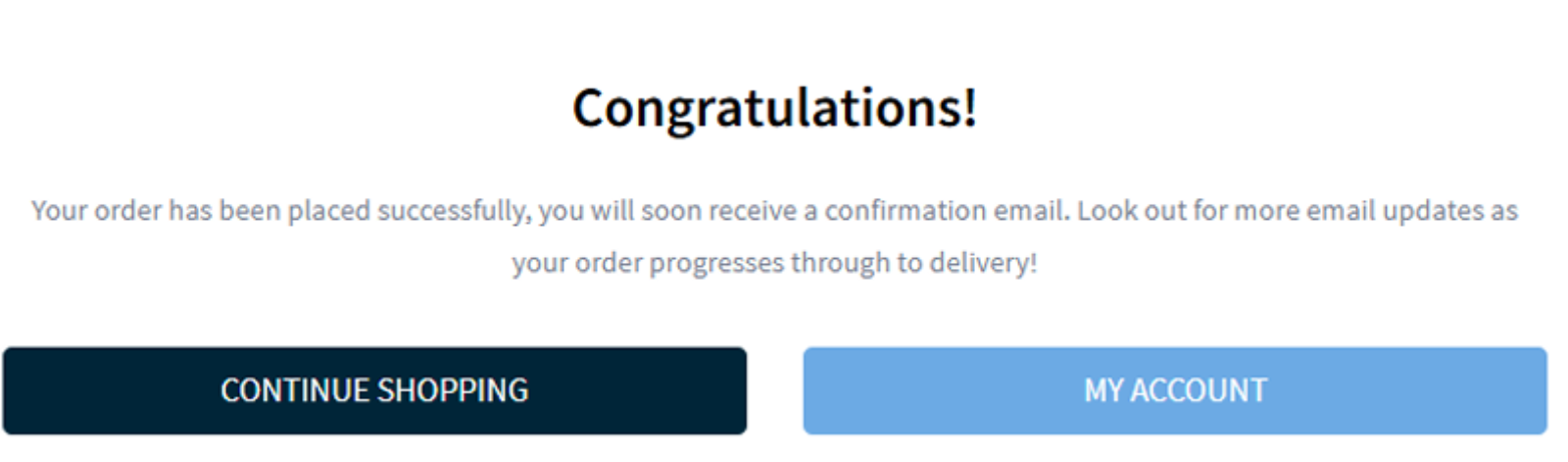
The Congratulations! message confirms your order has been placed. Check your email for confirmation and delivery updates. For help, contact membership@sydneyfc.com.